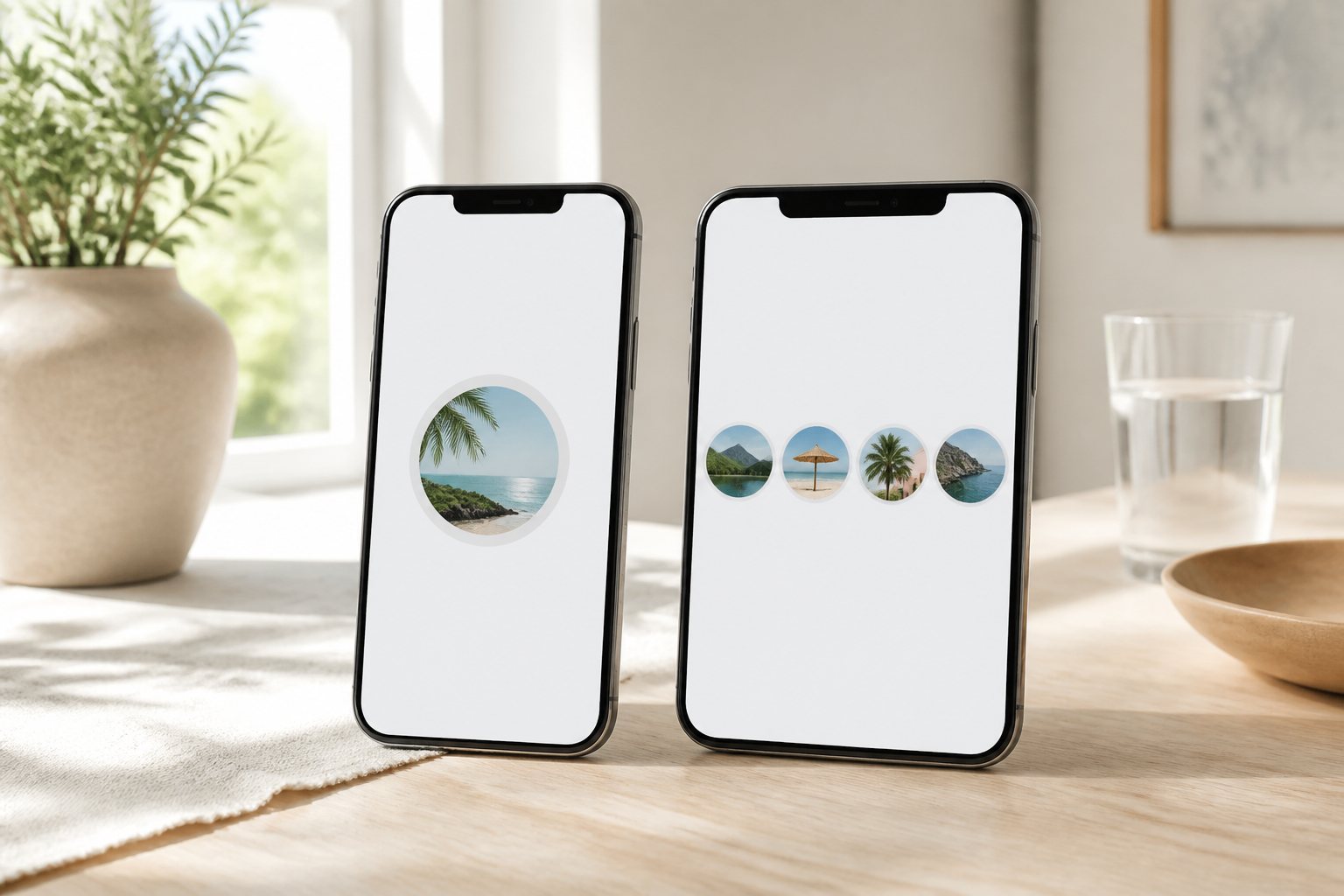
Instagram gives public accounts two related story surfaces. Stories are the ephemeral tray at the top of the profile: photos and short clips that usually leave after about twenty-four hours. Highlights are labeled albums pinned under the bio - the same story-style media, kept until the owner removes or replaces them.
People mix the words up. Someone says they "posted a story" when the clip already lives under a highlight cover. A campaign can look finished because the live tray cleared, while the same frames still sit under "Launch" or "FAQ." For research and for publishing, the useful split is lifetime and intent, not the visual language of circles.
Stories: momentum on a one-day clock
The live tray is built for now. New items push older ones along; unhighlighted segments fall off after roughly a day. That makes Stories a fit for:
- Day-of updates and behind-the-scenes moments
- Time-sensitive promos, drops, and event coverage
- Polls, quizzes, and stickers that do not need a permanent home
From a research angle, the live tray answers "what is this public account showing strangers today?" If you are tracking a product drop or a press tour, that window is the signal. Miss it, and the frames may be gone unless the owner saved them to a highlight or posted them elsewhere.
Highlights: curated shelves that stay put
Highlights behave more like a lightweight website section. Owners group clips under covers - "Menu," "Reviews," "Onboarding" - and visitors can open them weeks later. They work when the message should outlast the twenty-four-hour clock:
- Evergreen FAQs and how-it-works explainers
- Portfolio clips, testimonials, and recurring series
- Seasonal collections the brand wants newcomers to find without scrolling the grid
Highlights can include material that once lived in Stories. They are not an automatic backup. Treat them as intentional archives: the owner chose a label and a cover for a reason.
Practical examples by industry
Concrete uses make the split clearer than abstract definitions.
Retail / Nike-style collections. A live Story might cover today's colorway drop, a store queue, or a same-day restock. Highlights hold durable collection explainers: "Air," "Running," "Kids," size guides, or lookbooks that still make sense next month. The live tray is the launch pulse; the highlight row is the catalog shelf.
Restaurants. Stories are tonight's special, a full dining room, or a "last two tables" clip. Highlights are the standing menu, dietary notes, delivery hours, and a short FAQ about reservations. A visitor who only checks the live tray can miss the menu entirely; a visitor who only opens "Menu" can miss that the kitchen closed early today.
SaaS and product teams. Stories carry a release-day demo, a conference booth, or a hiring day-in-the-life. Highlights carry onboarding walkthroughs, feature FAQs, customer reviews, and "how delivery / support works" reels. Newcomers often hit highlights first; existing users watch the live tray for what changed this week.
The same pattern shows up for local services and creators: Stories for proof-of-work today, Highlights for the repeat questions (pricing shape, process, reviews) that would otherwise drown in the grid.
Comparison table
| Live Stories | Highlights | |
|---|---|---|
| Typical lifetime | ~24 hours | Until removed or replaced |
| Order | Newest first in the tray | Grouped by labeled cover |
| Best for | Timely updates | Evergreen reference |
| Research signal | What is happening now | What they want remembered |
| Failure mode | Expires before you check | Looks current while the facts went stale |
Where highlights break down
Highlights outlast Stories, but they do not stay accurate by themselves. An unmaintained highlight is a confident-looking shelf of old facts.
Common failure modes:
- A "Menu" or "Pricing" cover still shows last season's numbers
- An "Onboarding" reel describes a product flow the app no longer uses
- A "Delivery" highlight promises same-day windows the shop no longer offers
- A retail "New" cover is months old because nobody renamed the album
For research, open the live tray first when the question is time-bound. Use highlights for durable positioning - then sanity-check dates, prices, and process claims against a recent story, a grid post, or the brand's own site. Absence of a live tray does not mean the highlights are fresh; it only means nothing is in the current twenty-four-hour window.
How the two surfaces appear on a public profile
On a public account, both surfaces are generally visible to anyone who can open the profile under Instagram's product rules. The live tray rotates; highlight rings stay until edited. On a private account, both stay behind an approved follow.
Outside the app, the same distinction matters. A public-only reader focused on the current story tray shows what is active today. Highlights may need separate navigation depending on how a tool maps the public profile. Knowing which layer answers your question saves a wasted pass.
StoriesIG.best is one read-only example for checking a public live tray without logging in. It is not a full archive of every highlight ever pinned. If a story aged out and was never saved, it may simply be gone. For durable messaging - FAQ, onboarding, reviews, delivery rules - the profile's highlight row is still the better first stop, with the staleness caveat above.
Choosing the right lens
Ask what you need to know.
- "Did they announce anything today?" Start with Stories.
- "How do they explain the product, menu, or onboarding?" Open Highlights.
- "Did this clip exist last month?" You may need both - and you may still miss ephemeral posts that were never pinned.
Use your own Instagram login when you need to reply or engage. Use a public-only read when you are gathering context and do not want a viewer-list ping. Either way, match the surface to the question, and treat unupdated highlights as labeled history rather than live truth.
For what a stranger can open on a public vs private profile, see public stories vs private accounts. For a structured tray review before you trust a profile, see reviewing public Instagram stories.
FAQ
- Do highlights expire like stories?
No. Highlights stay until the owner deletes or reorganizes them. Clips inside a highlight do not auto-vanish on the same twenty-four-hour rule as the live tray. They can still be wrong if nobody updates them.
- Can I see highlights without an account?
On public profiles, highlights are generally visible with other profile media. Private accounts still require follower access.
- If a story disappears, is it in highlights?
Only if the owner saved it there. Many stories simply expire.
- Which should I check first for a brand?
For "what is happening now," the live tray. For "how they present themselves on purpose," highlights - then verify anything that looks time-sensitive against a fresher source.
Elena Garcia
Independent Digital Research Desk
StoriesIG editorial team.